Choosing a Customer Booking System for Your Garage: A Practical Guide
A booking system should fill your bays, not create more admin. Here's how to choose one that actually works for a busy workshop — and the features that matter.
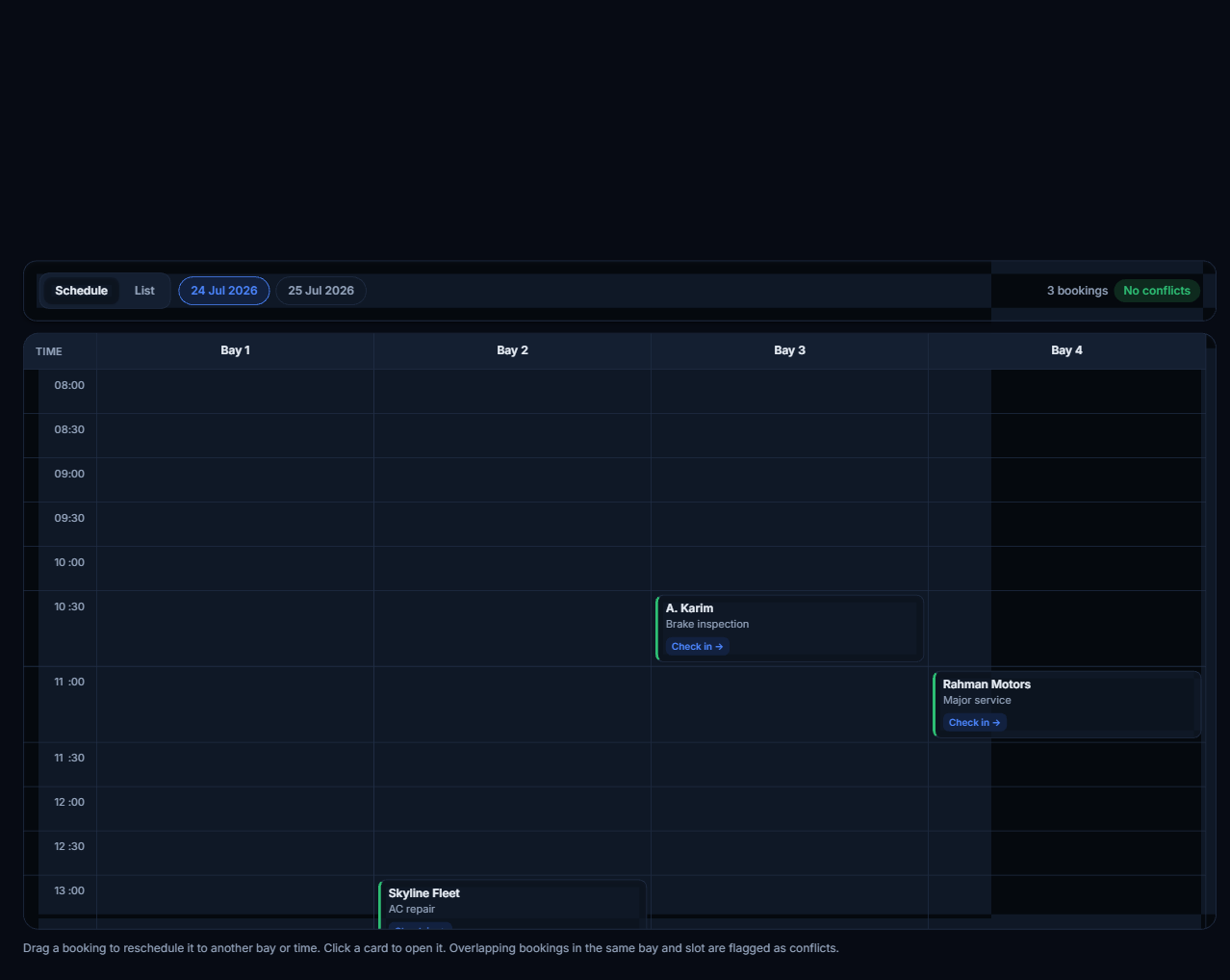
Bookings are the top of your funnel — every car that ends up on a lift started as a booking somewhere. So it's strange how many workshops still run that first, critical step on a paper diary and a phone that only rings during business hours. A good booking system doesn't just take appointments; it fills your bays evenly, cuts no-shows, and hands each booking straight to the workshop as a job. A bad one just creates more admin. Here's how to tell them apart.
What a booking system is really for
It's tempting to think a booking system is just an online form. It isn't. Its real job is to match demand to your capacity: to take a customer's request at any hour, drop it into the right bay at the right time without overloading the day, remind everyone so the car actually shows up, and pass the details to the floor so nothing is re-typed. Judge any system by how well it does those four things — not by how pretty the form looks.
Feature 1 — 24/7 online booking that fills your calendar
Customers increasingly want to book the way they book everything else — at 10pm from their sofa, not by calling during working hours. Online booking captures those requests you'd otherwise lose and lands them on a live calendar, with the service and bay already attached. Every booking taken while you were closed is revenue you didn't have to answer the phone for.
Feature 2 — Bay and capacity control
The fastest way to ruin a good booking system is to let it overbook you. A day stacked with ten jobs and four bays isn't a full calendar — it's four unhappy customers waiting. Look for a system that understands your capacity: how many bays you have, how long each service takes, and how much work a day can really hold. Filling the calendar evenly is what keeps promises.
Feature 3 — Deposits to cut no-shows
No-shows are a silent tax on a workshop — a held slot that earns nothing. Taking a small deposit at booking, or at least confirming with a card, dramatically changes show-up rates because the customer now has skin in the game. Even a modest deposit on higher-value jobs pays for itself in recovered bay time.
Feature 4 — Reminders and confirmations
Most no-shows aren't deliberate — people simply forget. An automatic confirmation when they book and a reminder the day before quietly removes a big chunk of them. It also gives the customer an easy chance to reschedule in advance rather than just not turning up, which hands you the slot back in time to fill it.
Feature 5 — A branded portal, not a dead-end form
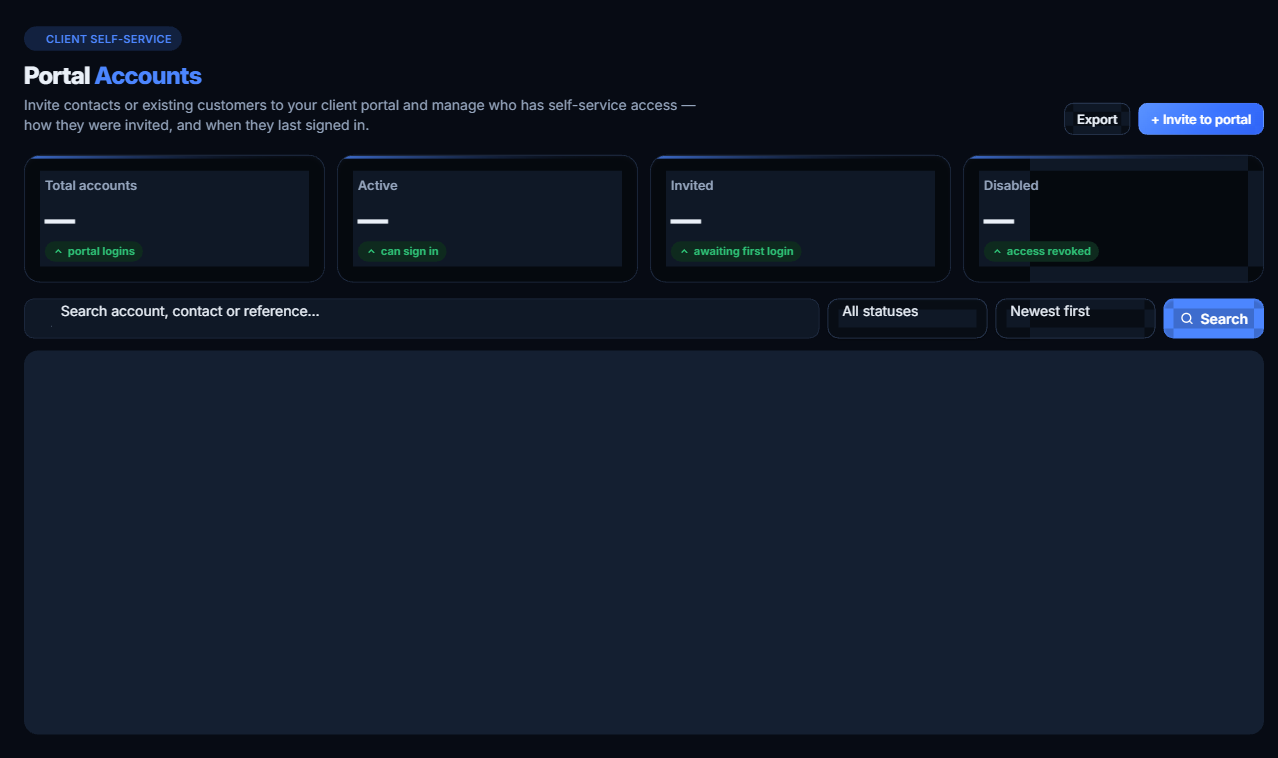
The best booking experience doesn't end at 'request received'. A branded customer portal lets the driver track their repair, approve extra work, and see their history — turning a one-off booking into an ongoing relationship. A booking form that emails you and then goes silent is a missed chance to bring that customer back.
Feature 6 — It must connect to the job
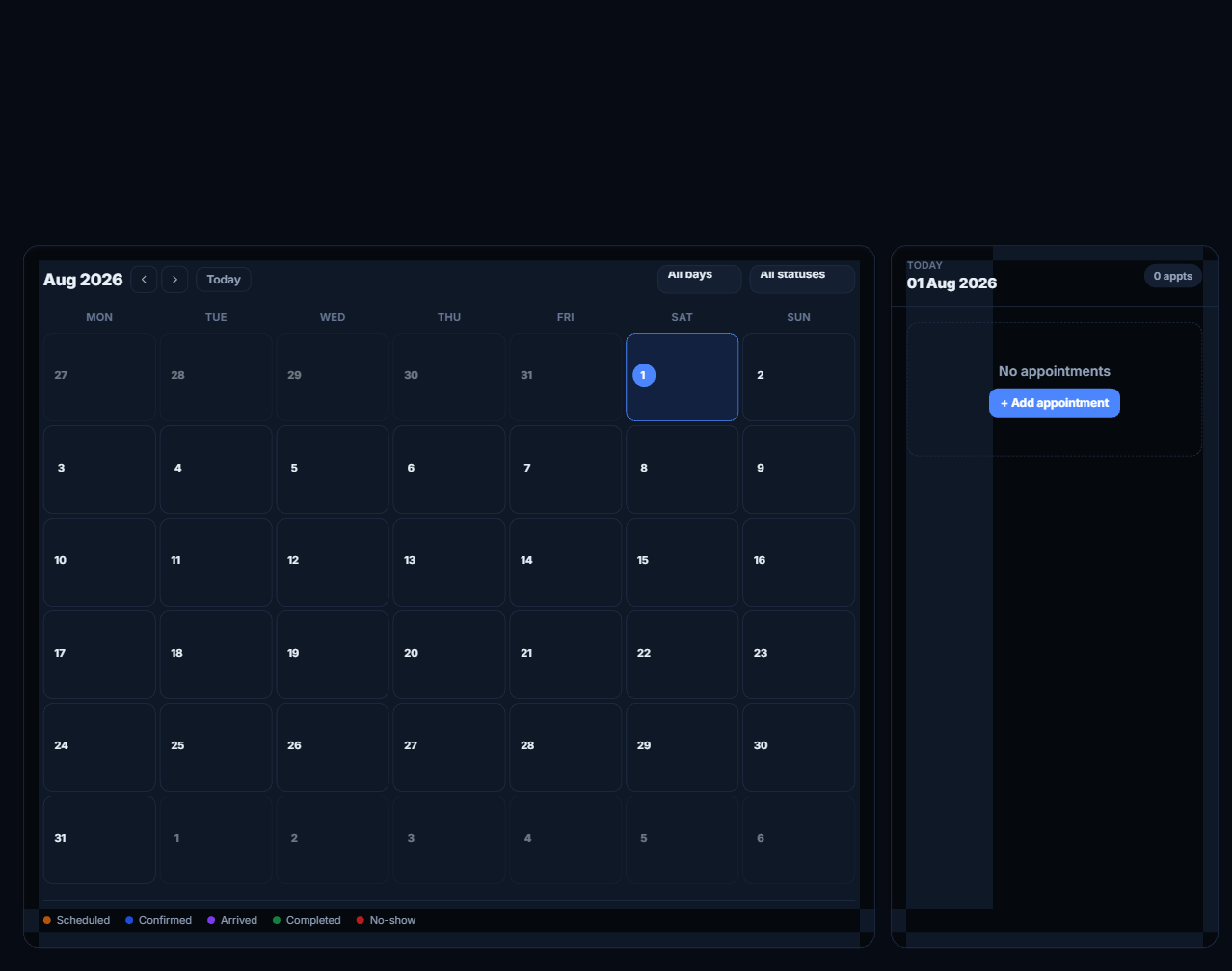
This is the one most standalone booking tools get wrong. A booking is only useful if it becomes a job without anyone re-typing it. When the booking flows straight onto the workshop calendar and opens a digital job card, the front desk stops being a copy-and-paste operation. If a booking system can't hand off to the actual workshop, it's just a prettier diary.
Questions to ask before you choose
- 1Can customers book online 24/7, and does it land on a live calendar?
- 2Does it respect my real capacity — bays, service durations, and a sensible daily limit?
- 3Can I take a deposit or confirmation to cut no-shows?
- 4Does it send automatic confirmations and reminders?
- 5Does a booking become a job card automatically, or does someone re-type it?
- 6Is there a branded portal so customers come back, not just book once?
Frequently asked questions
Do I need a separate booking tool and workshop software?
You're usually better off with one system where booking and the workshop are the same platform. Bolting a standalone booking widget onto a separate workshop tool re-introduces the re-typing you were trying to remove.
Will online booking replace my phone?
No — it complements it. Some customers will always call. Online booking simply captures the ones who won't, especially outside business hours, and puts every booking in the same calendar.
How do deposits work for walk-in-heavy shops?
You can apply deposits selectively — for example on longer or higher-value services where a no-show hurts most — while keeping quick jobs friction-free.
Fill your bays without the admin
Start a free 14-day trial and take bookings that turn straight into job cards — no credit card required.
Start free trialSee how booking fits the whole workshop in the complete digital playbook, or explore everything on the features page.
Run a sharper workshop
Practical tips on growing and modernising your garage — straight to your inbox, no spam.
Keep reading
 Guides
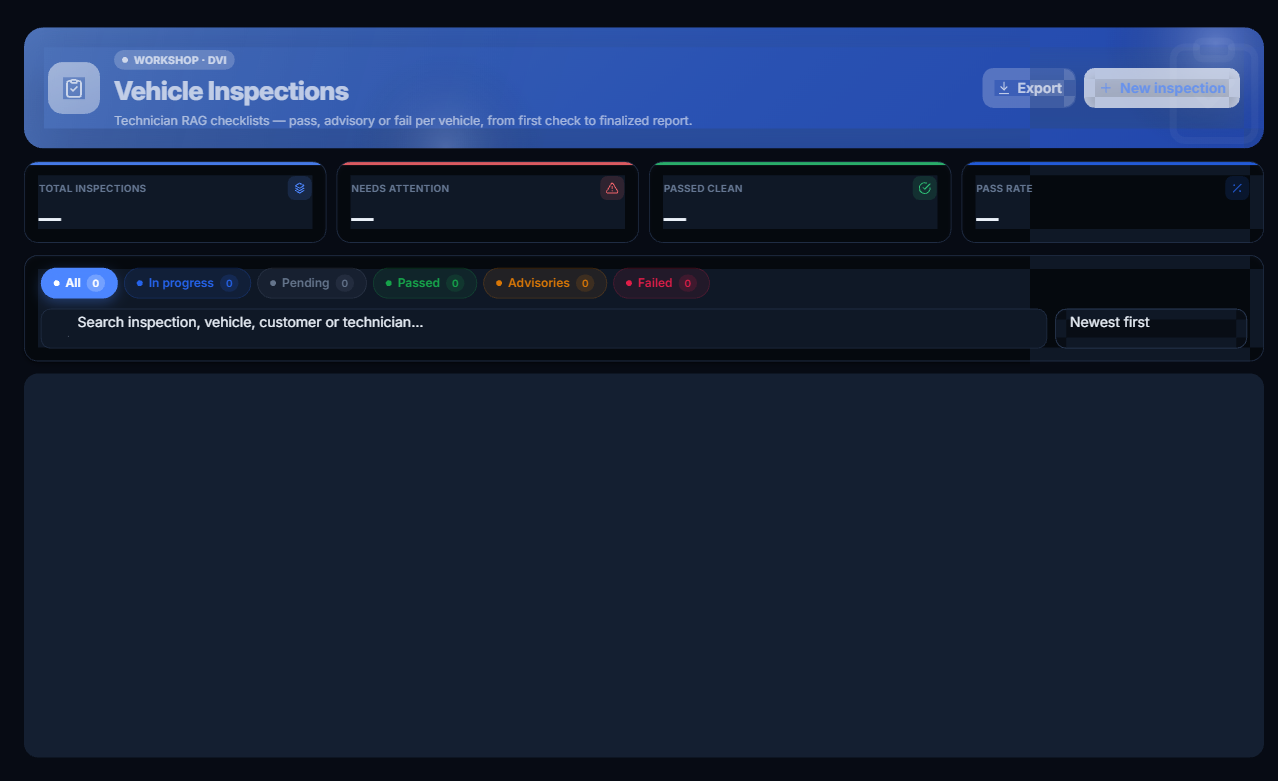
Digital Vehicle Inspections: How Photos Win Customer Trust and Speed Up Approvals
Digital vehicle inspections (DVI) turn 'trust me' into 'see for yourself.' Here's how photo inspections build trust, lift approval rates, and get cars back on the road faster.
 Guides
How to Run an Auto Repair Workshop in 2026: The Complete Digital Playbook
A stage-by-stage playbook for running a modern auto workshop — from the first booking to the final VAT invoice — with the exact digital workflow that gets cars out faster and stops revenue quietly leaking.
UAEGarage Management Software in the UAE: A 2026 Buyer's Guide
Choosing garage management software in the UAE? Here's exactly what to look for — from VAT-ready invoicing to digital inspections — and the questions to ask before you buy.